Your organisation, connected to Anybuddy
We review your software, booking rules and equipment to define a setup suited to your facility.
Review my installationYour organisation, connected to Anybuddy
We review your software, booking rules and equipment to define a setup suited to your facility.
Your booking software
The starting point: your schedule, available slots and priority rules.
Anybuddy
Player visibility, online booking and payment.
Your access equipment
Where your installation supports it, booking-linked access helps players enter the facility.
From the first click to the court
A connected journey, depending on the equipment and integrations enabled at your club.
- Booking
- Payment
- Access sent
- Court entry
Access control requires compatible equipment. Our team reviews your installation and support arrangements with you.
Stay connected with players, even without on-site reception
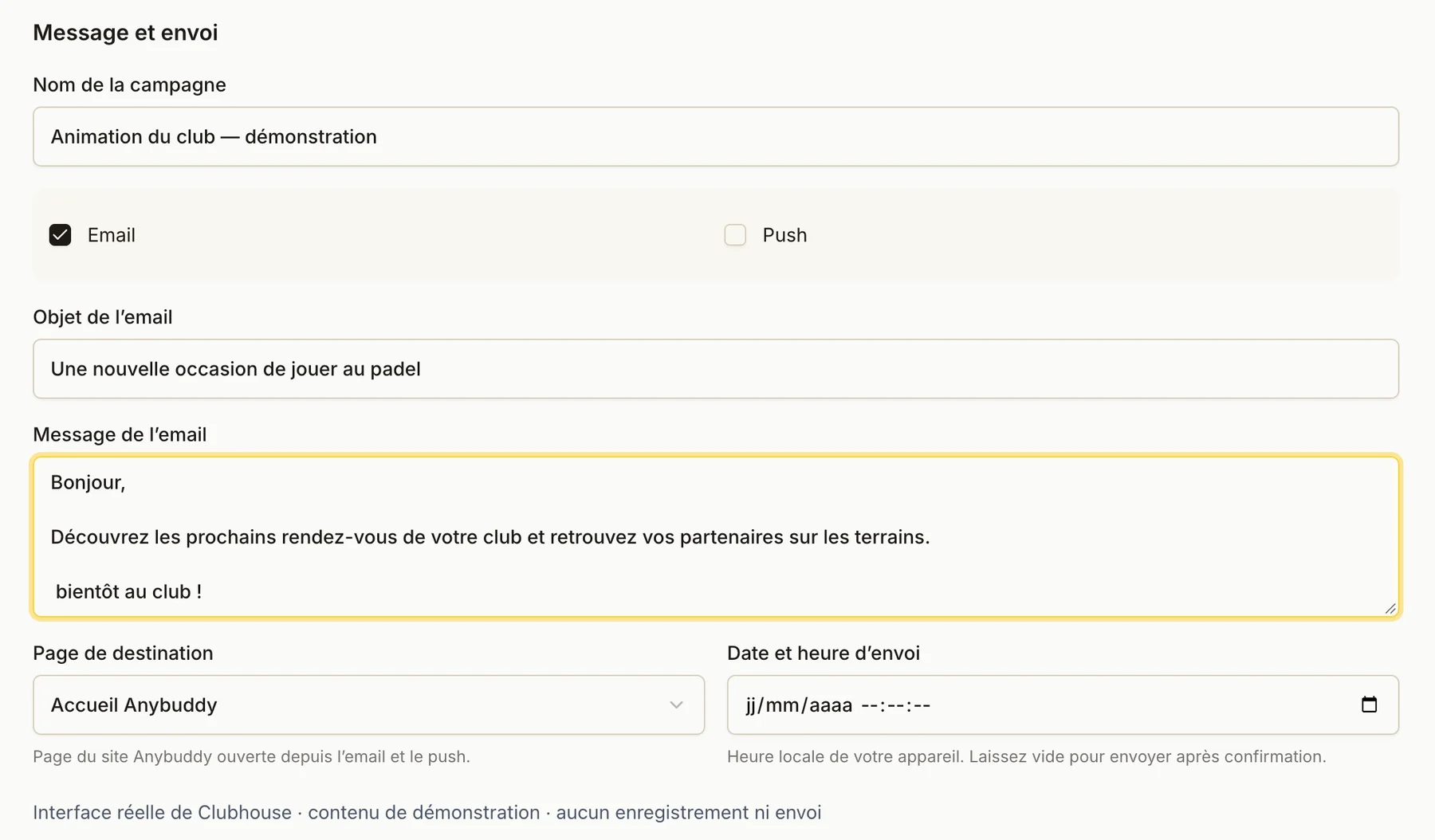
Connect your Brevo CRM or use Anybuddy back-office campaigns to engage with your players.
Your Brevo CRM
Connect your Brevo account to sync club contacts according to your setup.
Back-office emails
Prepare campaigns and select recipients within your club’s scope.
Push notifications
Share news and events with players reachable by push.
Available channels depend on your setup, team permissions and players’ communication preferences.